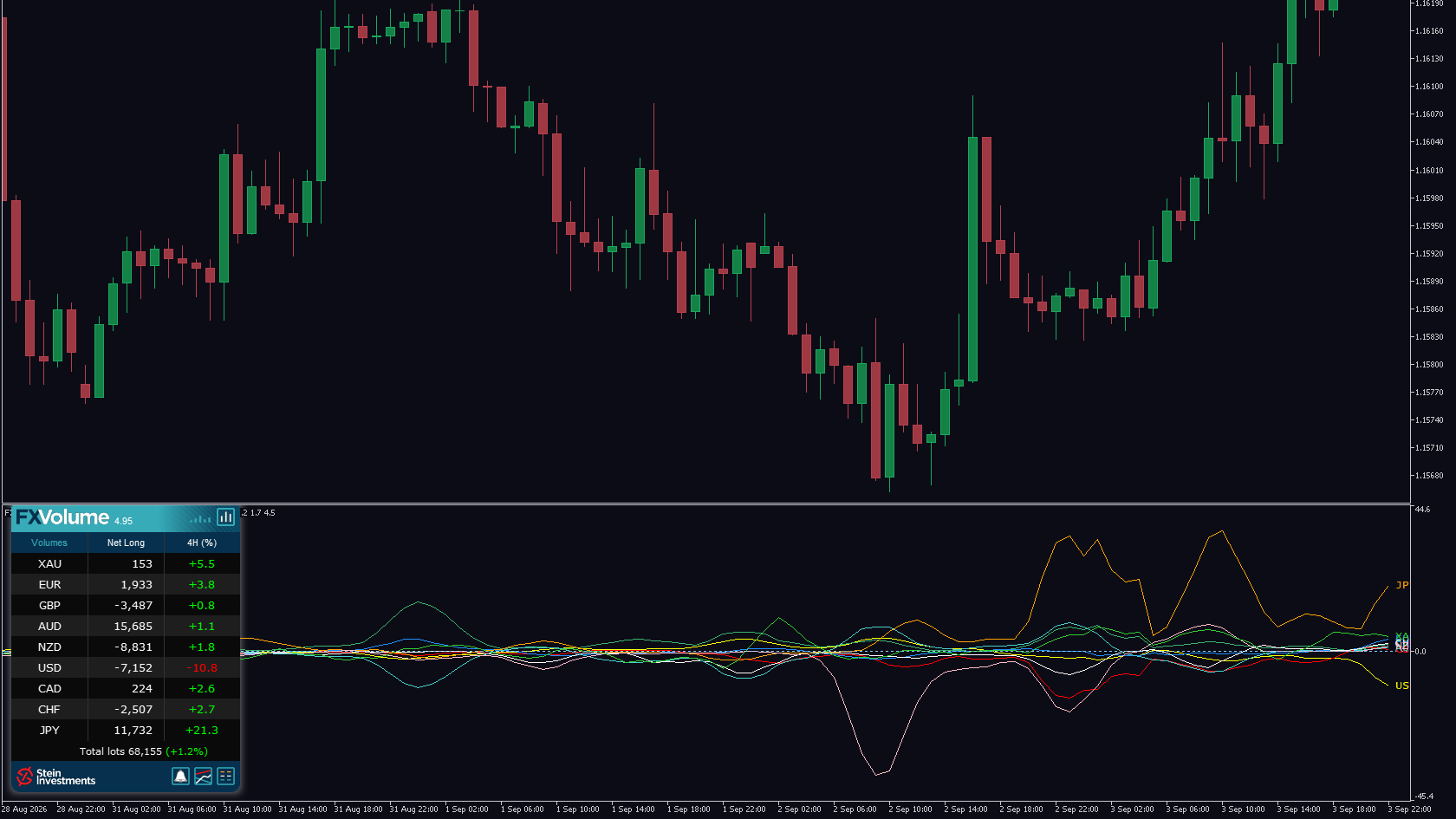
FX Volume shows you the real traded volume of the eight major currencies and gold, from the side of the counterparty. Perhaps you trade with a rule built on it: a pair only in the direction its net volume points, or a closer look once a currency's volume ratio tips. Until now that rule lived at the panel. You checked it by eye, and an expert advisor could follow it only if you programmed it yourself.
From today, BuildYourTools reads FX Volume. It joins FX Power, IX Power, FX Dynamic, FX Levels and FX Trend. You describe your rule in your own words, BuildYourTools asks until every detail is settled, shows you a prototype on the chart and delivers the finished .ex5 file for your MetaTrader 5.
Three tools you can build now.
An alert at your threshold. Your tool watches the volume ratio of every major currency and gold and alerts you once one of them crosses the level you set, for example JPY above 60 %. Your idea can add a second condition, such as price above the EMA 200, and the alert fires only when both agree.
A filter for your expert advisor. Your EA buys EURUSD only while the net volume of EUR is above that of USD, and sells only in the opposite case. It trades with what FX Volume shows and decides on closed bars, the way you would read the panel yourself.
A panel for your chart symbol. Your indicator shows, for the pair on your chart, how far apart the net volume of its two currencies is: on GBPJPY that is GBP against JPY. Switch the chart, and the panel follows.
Your settings stay in your hands. The FX Volume view and the comparison period become inputs of your finished tool, with the defaults from your idea. Your tool offers exactly the views its logic can read: an alert on a percent threshold lists the percent views.
Checked before delivery. We check indicators and expert advisors in the MetaTrader 5 Strategy Tester before you receive the file, and for FX Volume the check confirms that your tool loads the product and receives its values.
What your tool needs. FX Volume is a separate product with its own licence, and it has to be installed in your MetaTrader 5. Its data reach your terminal through SI Connect, which runs alongside it. The volume data cover the eight major currencies and gold.
Start with the rule you have been checking by eye on buildyourtools.net. Everything about FX Volume itself is on its product page.