Anyone who has had an AI write an indicator knows the result: the logic is right, and on the chart there is grey text in a corner. It does its job, and still you keep it to yourself.
From today, the panel of your tool comes in the BuildYourTools design, built on the same foundation as my own products. You see it in your very first prototype on BuildYourTools, and it is included in the fixed price. If your tool has a panel, it comes in this design.
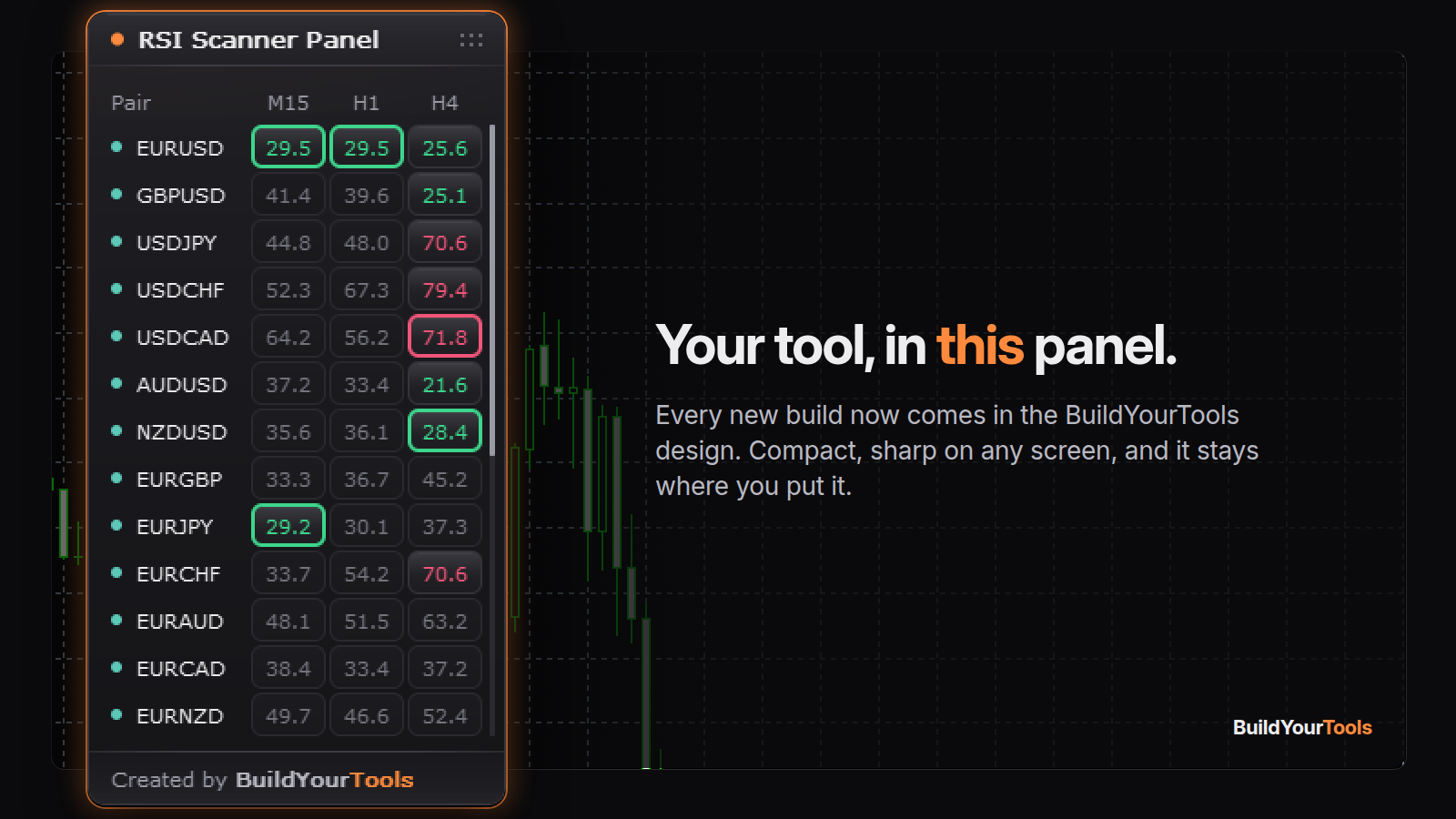
The picture shows an RSI scanner in the new panel: forex pairs on M15, H1 and H4, values in the overbought or oversold zone light up in color, and a click on a column head sorts the list. Your own tool gets the same frame around whatever it shows.
It stays where you put it. Drag the panel wherever it stays out of your way. It remembers that place on every chart, also after a restart.
One click on the row. Switches flip with a click anywhere on their row, so you hit them on the first try.
Compact and sharp. The panel takes the width its content needs, fits itself to your chart and stays sharp on large screens.
In your colours. Prefer your own colours? They are in the fixed price too.
Why I care about the look. A tool you built from your own idea sits on your chart every day. It should feel like a finished product from the first glance, the same way my own tools do. That is why every panel from BuildYourTools now shares their foundation.